
Change Wall Color
Preview the room with a different wall color
AI-generated demonstration · #YM-30009 · Anime & Illustrations · 1536/1024
Prompt
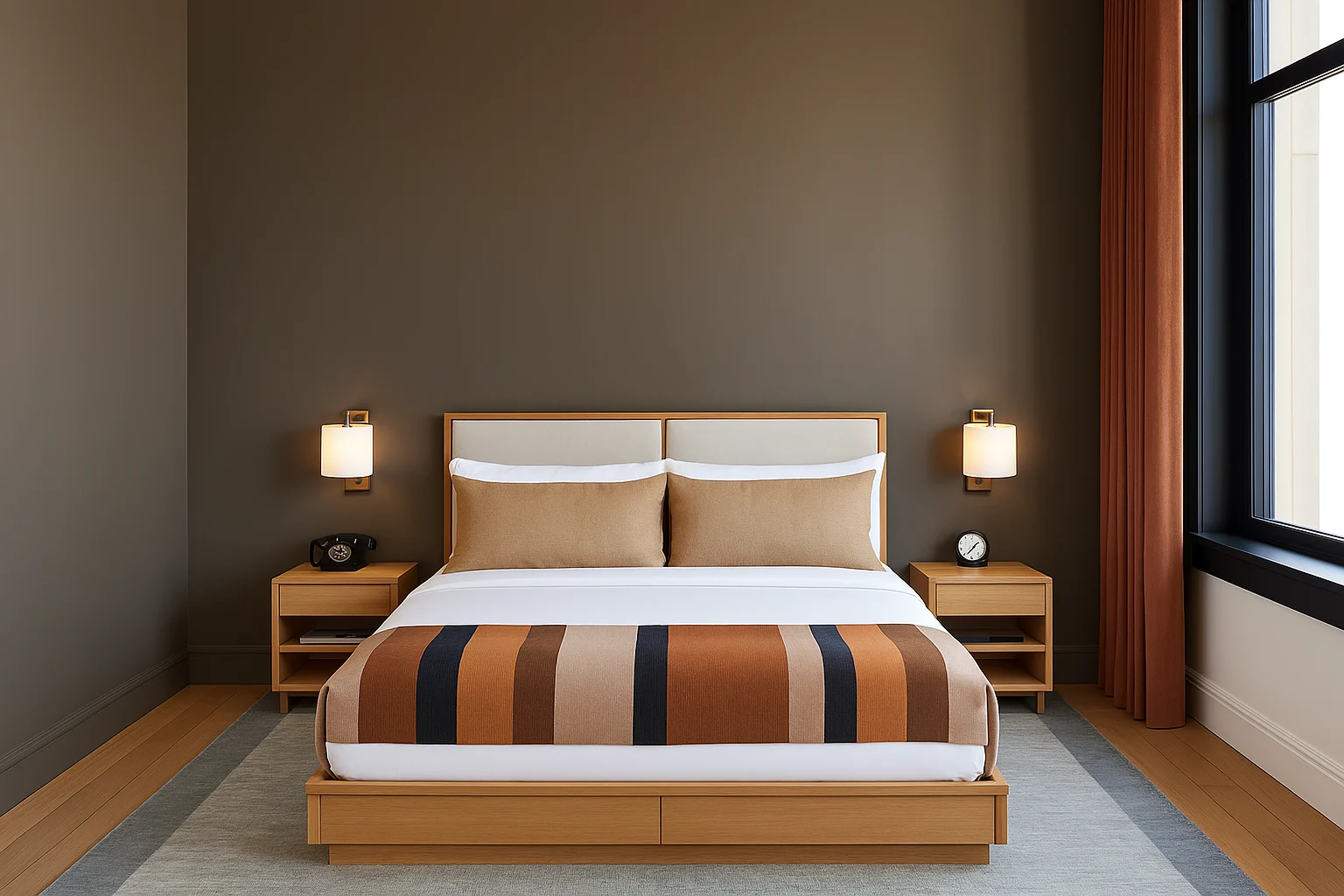
Create image Change the wall color of the room in the first attached image to the color of the second attached image, keeping all furniture, decorations, lighting, and layout exactly the same. Preserve shadows, textures, and natural lighting to maintain a realistic appearance.
Style Breakdown
Define the silhouette, line weight, and background depth before adding decorative detail. A restrained palette helps the main subject remain readable.
Recommended Parameters / Aspect Ratio
Start with the template aspect ratio 1536/1024 to preserve the demonstrated framing. Use a standard preview resolution first, then increase output size after the composition works. Model-specific steps and guidance values are not supplied for this example; use your selected provider's defaults and adjust one setting at a time. Results vary between models.
Review Your Result
Compare the subject outline and focal area at thumbnail size. Reduce competing background elements if the central shape becomes difficult to recognize.
Use Case Scenarios
Use the study for original editorial illustrations, mood boards, or story concepts. Invent characters and settings rather than requesting an existing identity.
Templates demonstrate visual techniques. They are not evidence of real events or endorsements. Use fictional subjects and authorized materials. Report concerns to [email protected].